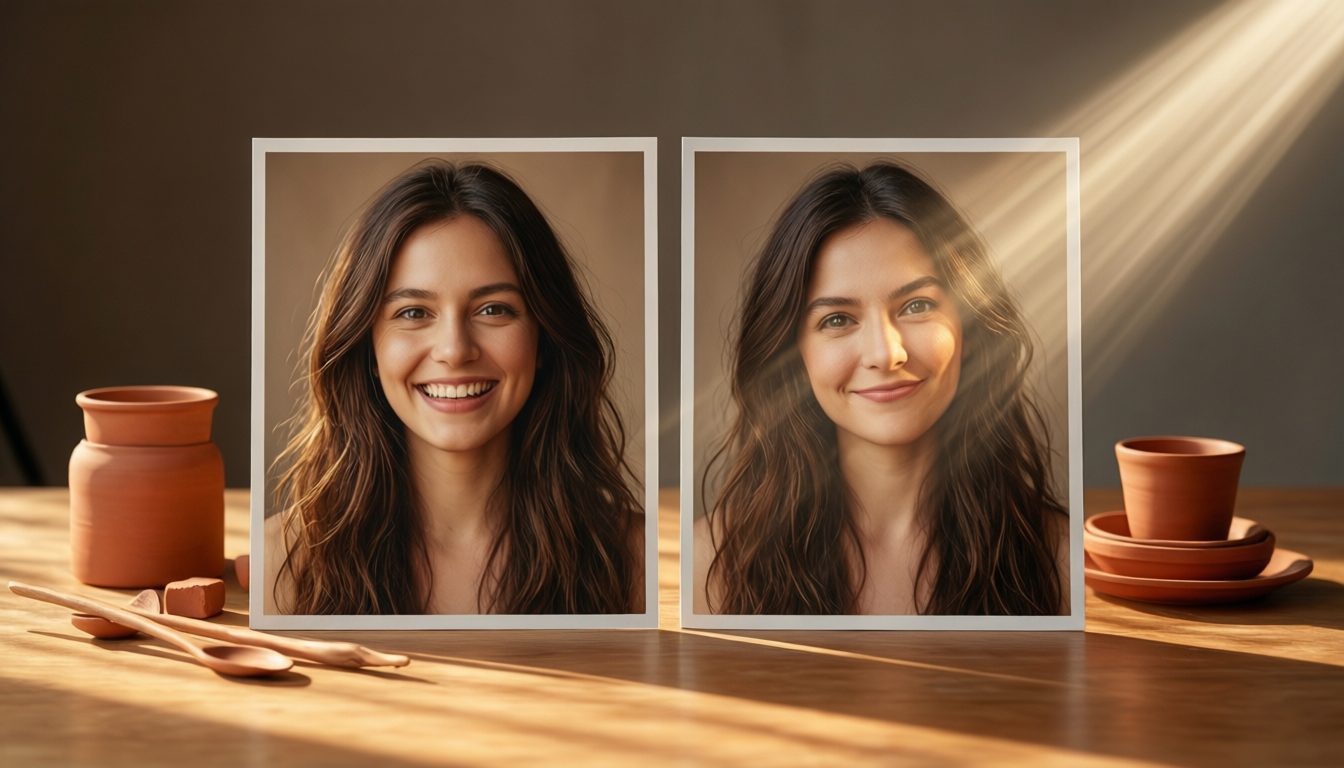
AI photo tools to try the studio look at home
Three free tools, no sign-up: swap a face into a studio photo, generate a portrait from words, or build a photobooth strip that never leaves your device.
Three free tools for the studio look
AI Photoshoot Generator
Type an idea, pick a studio style, and generate a self-photo-studio-look portrait.
Open tool →
Photo Strip Maker
Turn 3–4 photos into a classic photobooth strip you can download and print.
Open tool →Which tool should you use?
| Tool | Best for | Input | Time | Runs where |
|---|---|---|---|---|
| AI Face Swap | Putting a real face into an existing photo | 2 photos | ~1 min | Cloud GPU |
| AI Photoshoot Generator | Creating a brand-new studio-style portrait | Text prompt | 1–2 min | Cloud GPU |
| Photo Strip Maker | Turning shots you already have into a printable strip | 3–4 photos | Instant | Your browser |
A simple rule of thumb: if you're editing a photo of a real person, use the face swap. If you're starting from nothing - Moodboarding a concept, previewing an outfit palette, testing a colour-room idea before booking - Generate it. And if the photos already exist and just need the booth treatment, the strip maker finishes the job without an upload.
All three are free with no account. The two AI tools have fair daily limits per visitor and run on shared GPUs (that's the minute-long wait); the strip maker is unlimited because it never leaves your device. Uploads to the AI tools are used only to produce your result and expire automatically - The details are in our privacy policy.
These tools are built for previewing, planning and playing. For photos of yourself that you'll actually print, nothing beats a real session - A room to yourselves, proper lighting and unlimited shots typically costs S$20 to S$40 a head, and creators who need raw lights-and-space instead of a styled room can book an hourly rental studio. New to the format? Start with what a self photo studio is, check current prices, then pick an area in our Singapore studio guide. If you're deciding between a full room and a quick booth, our studio vs photo booth comparison settles it, and the FAQ answers everything else.
Tool questions
Which tool should I use for what?
Editing a photo of a real person? Use the face swap. Starting from nothing - A concept, an outfit test, a moodboard? Generate it. Photos already exist and just need the booth treatment? The strip maker finishes the job without an upload.
Do the tools work on mobile?
Yes - All three run in a mobile browser. Uploads come straight from your camera roll, and the strip maker's canvas preview works on phones and tablets.
Why is there a daily limit on the AI tools?
The face swap and generator run on shared GPUs that cost real money per image, so free use is capped per visitor per day. The strip maker is unlimited because it runs entirely on your device.
Where the self-photoshoot trend comes from
Curious about the culture behind the booths and studios? Start here: